How do I make a Club Scenery?
Go to your chosen Club and select the Sceneries tab. Just click the "Create a scenery" button to get started.
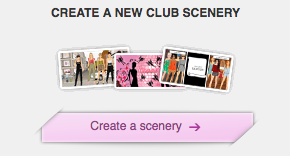
It works just like a regular Scenery. Don't forget - once you save, you will not be able to make any changes.
Last updated: 2016-11-17 09:47:15
Advertisement
SEARCH HELP
HELP CATEGORIES
- Parent & teacher information
- Chat & Private Parties
- Technical Help
- Rules & Safety
- Achievements
- Album & Scenery
- Beauty Parlor
- Blog
- Clubs
- Contests & Events
- Design & Sell
- Dressups & Games
- Friend Feed
- Friends
- Level
- Message Central
- My Account
- StarBazaar
- Starcoins
- Starplaza
- Starpoints
- Stylist Studio
- Suite
- Superstar
- The Star Blog